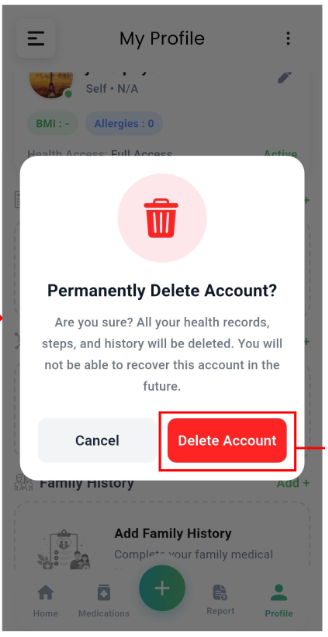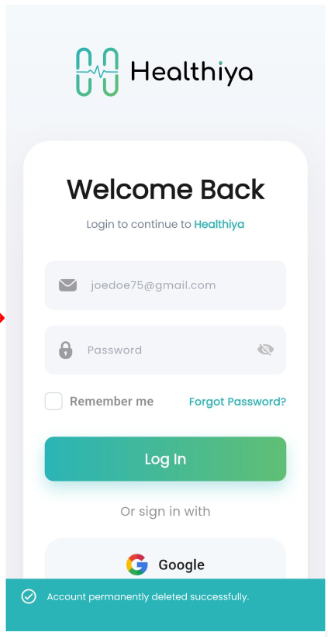
1
Open your profile and tap Permanently Delete
Sign in to the Healthiya app with the account you want to remove, then open the account options menu from your profile.
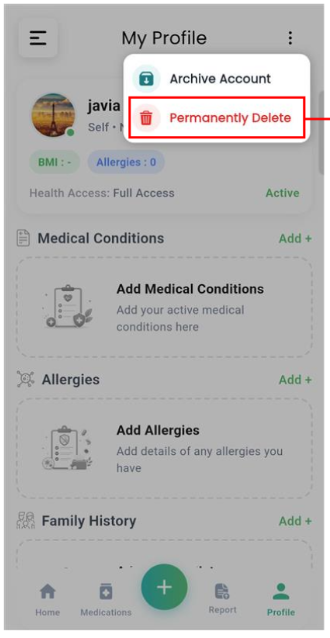
- Tap Profile in the bottom navigation bar.
- Tap the three-dot menu (⋮) in the top-right corner of the My Profile screen.
- Select Permanently Delete from the menu.
Screenshot pending
assets/delete/step-1-menu.png
Profile → ⋮ → Permanently Delete